Skip to content
[yaycurrency-switcher]
Hire An Expert
Help Center
Sign In
Control Panel
My Account
Webmail
NextCloud
Hire An Expert
Help Center
Sign In
Control Panel
My Account
Webmail
NextCloud
Help Center
← LibertyHost
Help Center
← LibertyHost
help center
Search
Home
/
Help Center
/
Technical
/
Control Panel
/ How do I change the default language on the Control Panel?
How do I change the default language on the Control Panel?
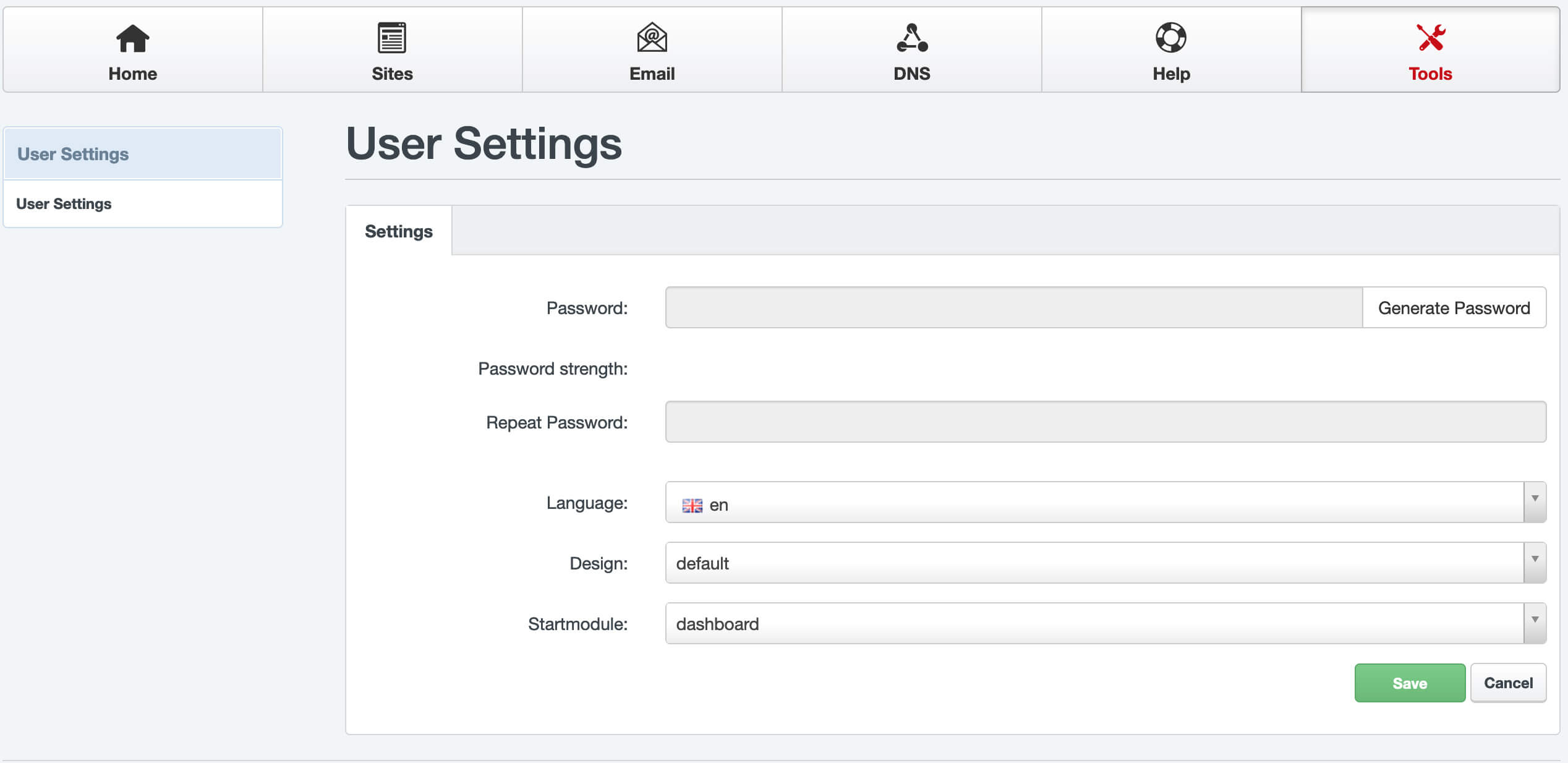
Learn how to change the default launguage on the Control Panel at My LibertyHost.
From the
Control Panel
, go to
Tools
.
Choose the language of choice from the
Language
drop down.
SAVE
your work
Frequently Asked Questions About
Control Panel
How do I change the Control Panel Password?
How do I change the default language on the Control Panel?